Settings
Settings is where Hermit CRM is set up, in five tabs. Each section that is already set up leads with its status, such as the last import, and its form opens under Change.
In the left navigation: Settings
Screenshot of the released version on made-up demo data. Select it to open it full size.
General
Your name, which signs your drafts, and the addresses you send mail from. The AI tool Hermit uses for Enrich and Ask the Hermit: the first of Claude, Codex, Gemini or Grok that is installed, or the one you pick, on a subscription or an API key. Night mode (off, on, or follow the system), and the link to Make it yours.
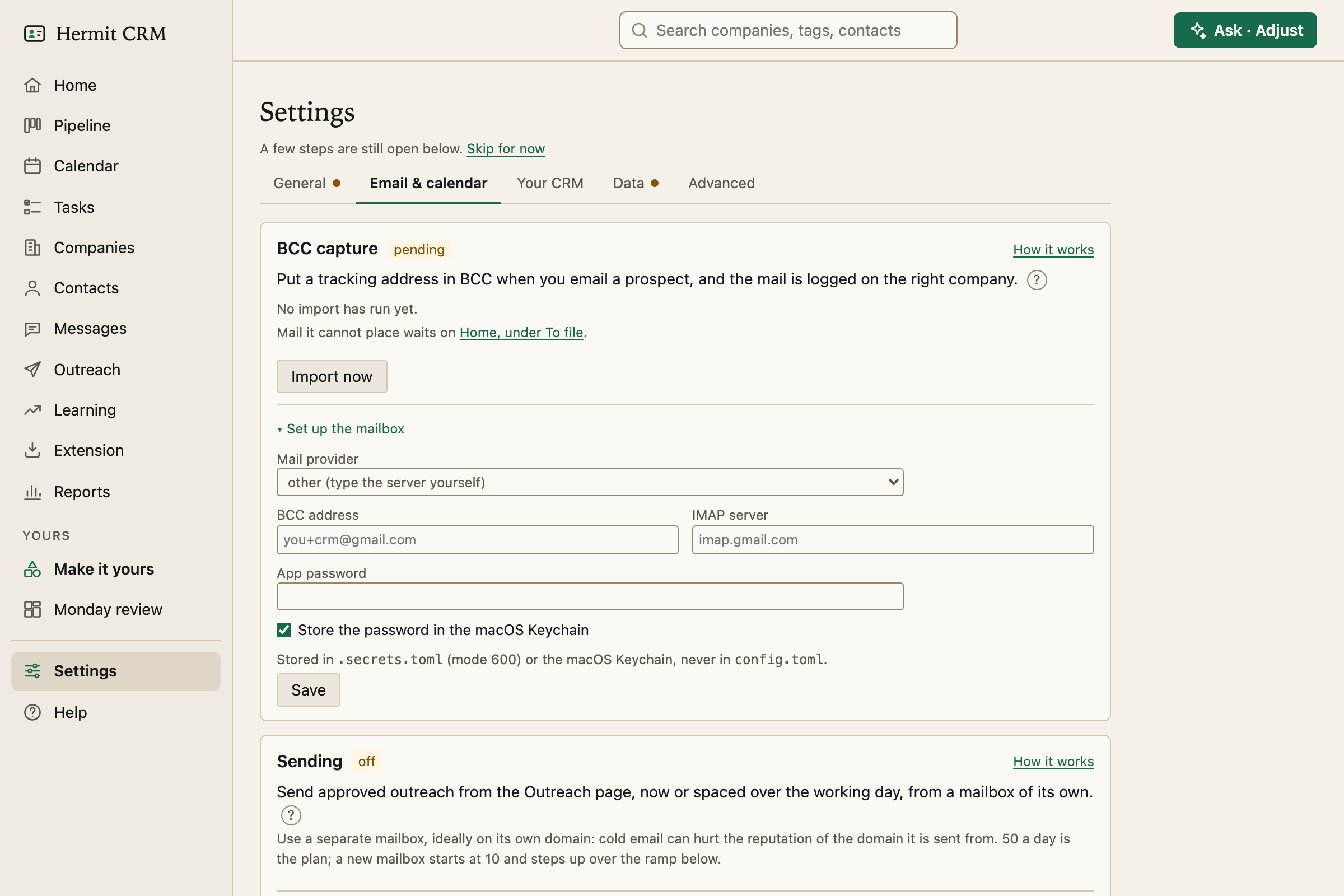
Email and calendar
BCC capture: BCC or forward your mail to a tracking address and Hermit reads it over IMAP with an app password. Mail from a known contact is logged on that person. A new person at a company you have is added to it, and a new domain becomes a new company, but only for mail you sent yourself. Test connection runs a dry run first. Sending, off until you switch it on, sends the email you approved on the Outreach page from a mailbox of its own. Calendar: logs meetings with people at your companies, and fills the Calendar page.
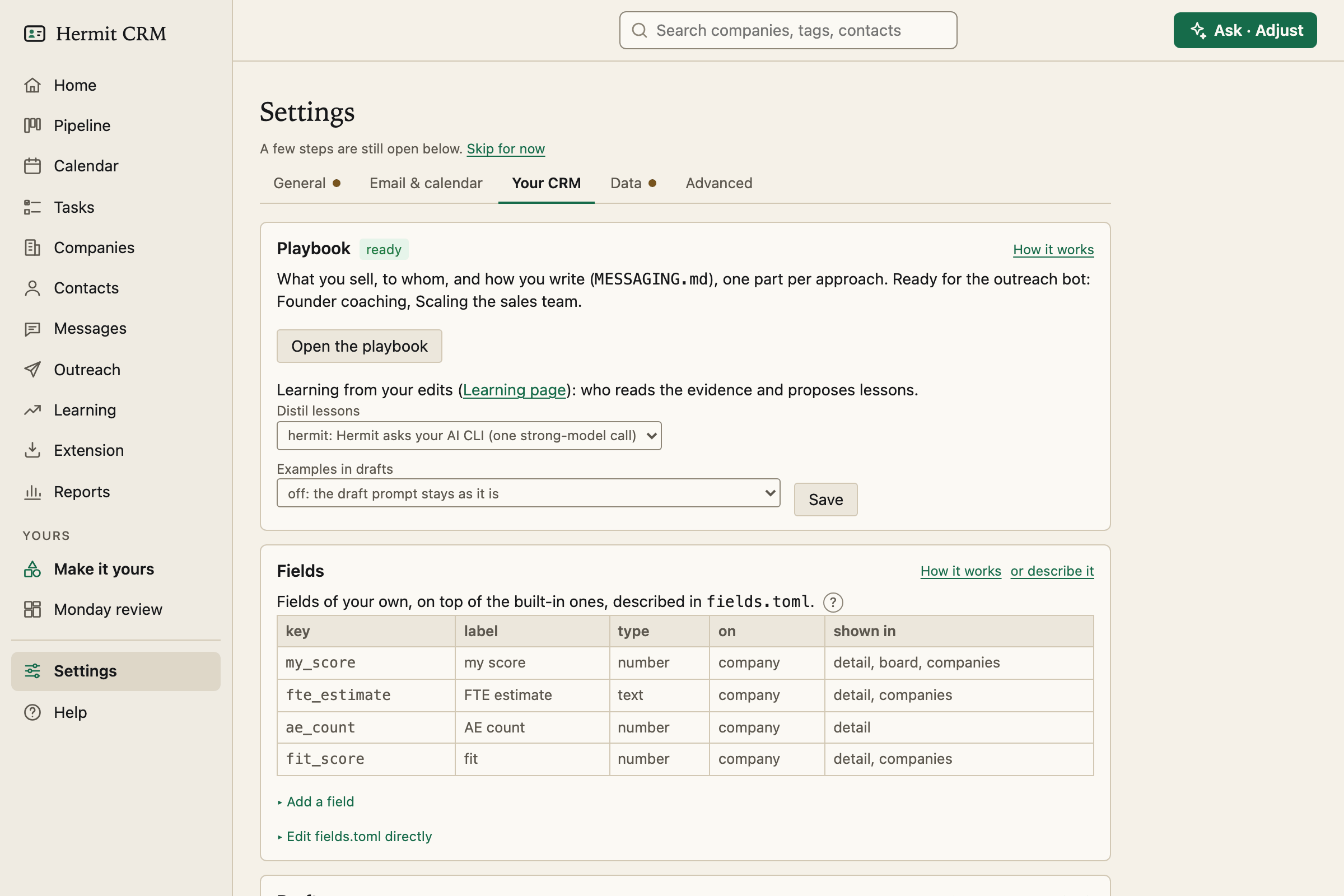
Your CRM
The parts of Hermit that are yours to shape: your Playbook (what you sell and to whom, for your drafts), Fields of your own, the Drafts that fill the sentences about team size, Task types, Deal stages and Outcomes with the number of days after which no reply counts as unsuccessful.
Data, and Advanced
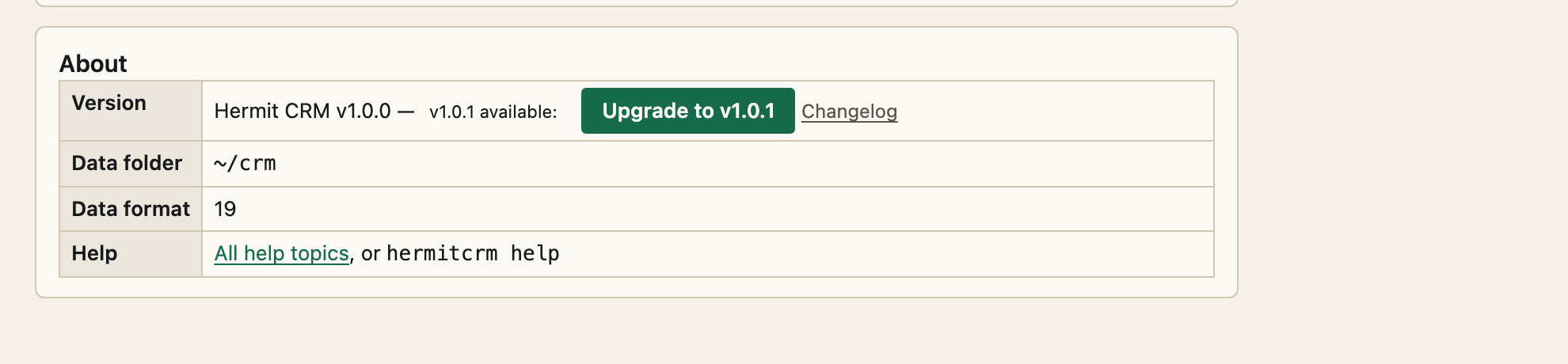
Data makes a copy of your data folder every few minutes, outside the folder, that nothing can rewrite, and puts any version back. Export everything gives a zip of CSV files for companies, contacts, interactions and tasks, with column names for Hermit CRM, HubSpot or Pipedrive. Advanced has the daily schedule, access from your phone or an AI app (hermitcrm mcp for a client with no shell), a check of the installation and the version of Hermit CRM you run.
Upgrade in one click
When a newer version is published, the notice in the sidebar and the About line in Settings show an Upgrade button. One click installs it with the tool that installed Hermit CRM (uv, pipx or pip), checks that the new files start, restarts the app and asks you to reload. Your data is not touched, and a data format change is migrated in one commit. It is offered only when the app listens on your own computer and takes its updates from PyPI. Otherwise the notice names the command to run. The check asks once a day and sends no identifiers, and you can switch it off.
Where your secrets go
Every section writes config.toml in your data folder and keeps its comments. Passwords and calendar links never go there: they go to your Mac’s Keychain or the Linux secret store when there is one, and otherwise to a file only your user can read, .secrets.toml, which is never committed to git.
Read the full Settings page in the docs
Related pages
- Make it yours: Pages of your own with lists, counts and bar charts. Describe one in a sentence, your AI builds it, and you pin it to the sidebar.
- Calendar: Overdue and due-today next steps, a month view, and a brief before each meeting.
- Messages: Every message you sent, with what came of it, so you can see which wording gets answers.
Hermit CRM is a free, open-source CRM for founders, freelancers and anyone doing their own sales. It runs on your Mac or Linux computer and keeps every company, contact and conversation as a Markdown file in a git folder on your own disk. A local web app gives you a pipeline board, a calendar of next steps, message drafts and reports. AI tools such as Claude Code, Codex or Claude Desktop can read and update the pipeline through the files, a small CLI or the built-in MCP server. It is alpha software under the Apache License 2.0, with no warranty and no support.